
Punjab Police App
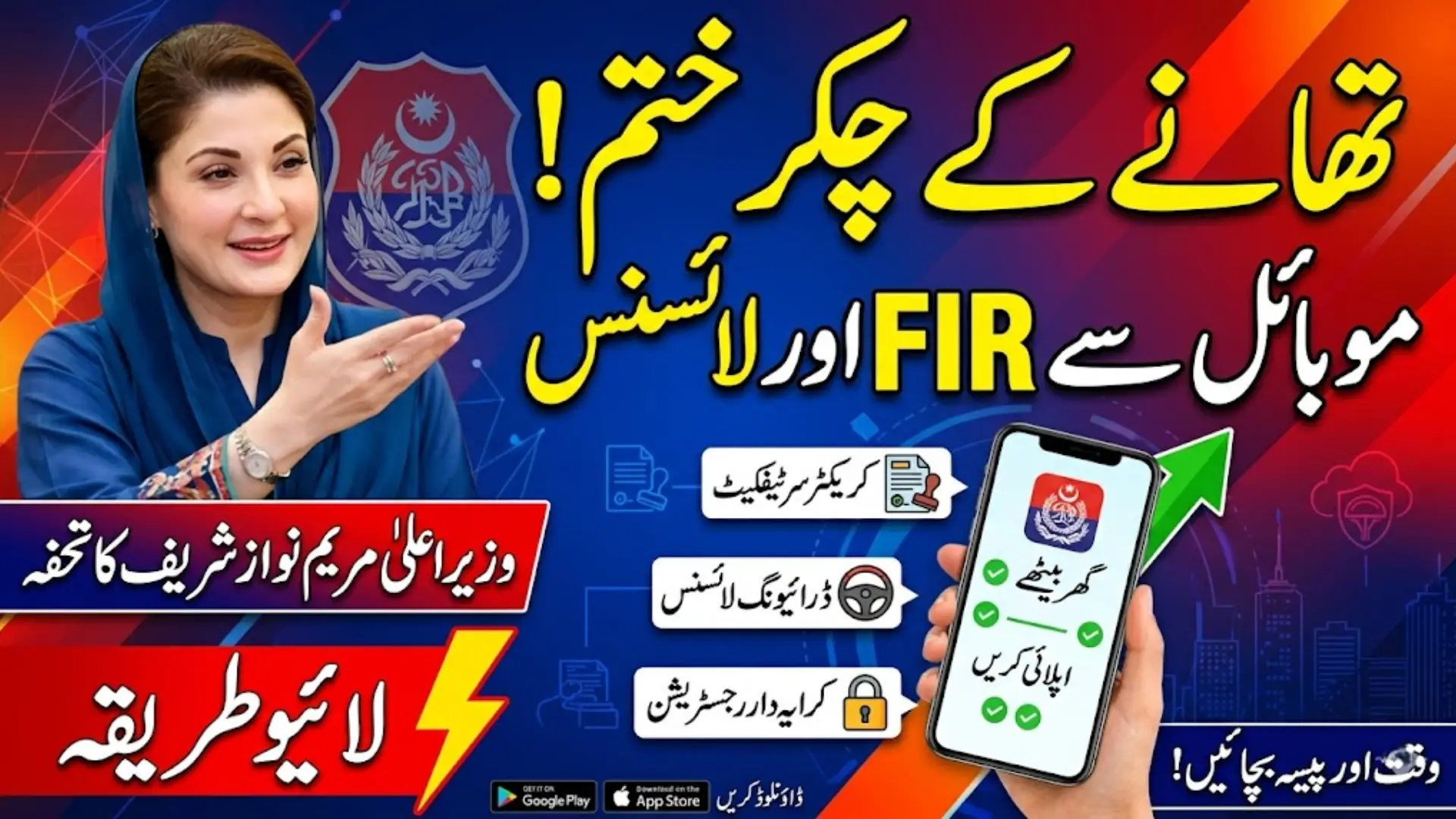
The Punjab government has introduced a modern solution to simplify police-related services through the Punjab Police App. This initiative, launched under the leadership of Maryam Nawaz Sharif, aims to reduce the need for physical visits to police stations and make services accessible from home. Citizens can now complete important tasks such as filing FIRs, applying for licenses, and requesting character certificates with just a few taps on their mobile phones.
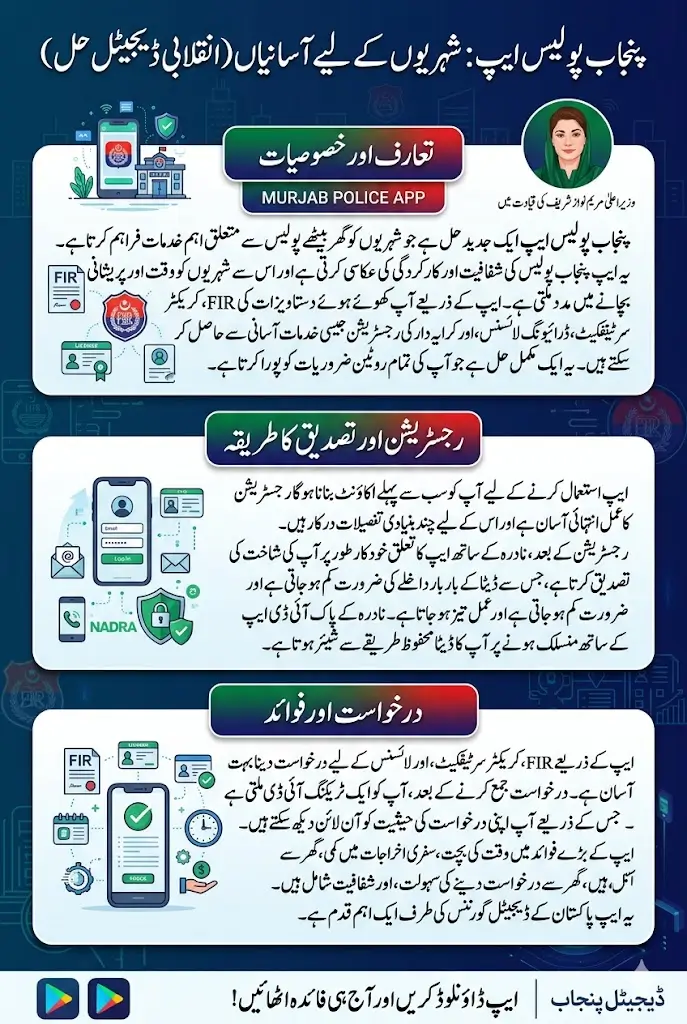
This digital platform by the Punjab Police reflects a shift toward transparency, efficiency, and convenience. By integrating technology into public services, the app ensures that citizens save time and avoid unnecessary stress. It is especially helpful for people living in remote areas where access to police offices can be difficult.
You Can Also Read: PM Fuel Package Beneficiaries 32,000
Services Available in the Punjab Police App
The Punjab Police App offers a wide range of services that were previously only available at police stations. Now, citizens can access these services from home without waiting in long lines or dealing with paperwork manually.
- FIR registration for lost documents
- Character certificate application
- Driving license services
- Tenant registration
- Police verification
- Complaint submission
- Employee verification
- Traffic-related services
- Tracking application status
These services are designed to cover almost all routine needs of citizens, making the app a complete solution for police-related matters.
How to Download and Register on the Punjab Police App
Getting started with the app is simple and requires only a few steps. The registration process is designed to be user-friendly so that people of all backgrounds can easily create their accounts without confusion. Once registered, users can access a wide range of services directly from their mobile devices.
- Open the Google Play Store on your mobile phone
- Search for Punjab Police App and install it
- Launch the app and click on the Sign Up button
- Enter your name, CNIC number, email address, and mobile number
- Create a password and confirm it
- Click on the Sign Up button to continue
- Enter the OTP received on your email
- Click on Verify to complete your registration
After completing these steps, your account will be successfully created. You can now log in and explore all available services offered within the app.
You Can Also Read: Maryam ko Batain Petrol Subsidy Track Application
NADRA Integration for Automatic Data Verification
The app also connects with the National Database and Registration Authority to make the process more secure and efficient. This integration allows your personal information to be verified automatically, reducing the need for repeated data entry. It ensures accuracy and speeds up the application process.
If you are using the Pak ID NADRA app, you will receive a prompt to link it with the Punjab Police App. Once connected, your details will be synced, and future applications will become faster and easier to complete.
- A message will appear asking to connect with NADRA
- Click on the Allow button in the Punjab Police App
- Open the Pak ID NADRA app
- Tap on Continue to approve the connection
- Your data will be automatically shared securely
This feature helps avoid errors and improves the overall user experience by making the system more reliable.
Step-by-Step Method to Apply for FIR Online
Filing an FIR for lost documents has become extremely simple with this app. Users no longer need to visit police stations for reporting lost items like CNIC, passport, or driving license.
To apply for an FIR, follow the process given below carefully.
- Open the Punjab Police App and log in
- Select the FIR or Lost Report option
- Fill in details such as document type and location of loss
- Provide the date and any additional information
- Review all entered details
- Click on Submit to complete your application
Once submitted, your FIR will be processed, and a copy may also be delivered to your home. This process saves both time and effort for the user.
You Can Also Read: Good News! Punjab Govt Prepares Subsidy Plans
How to Apply for Character Certificate?
A character certificate is often required for jobs, visa applications, and other official purposes. The Punjab Police App allows users to apply for this certificate without visiting any office.
Follow the steps below to apply for a character certificate through the app.
- Open the app and select Character Certificate
- Enter your personal and address details
- Mention the purpose of the certificate
- Upload required documents if needed
- Submit the application
After submission, your request will be reviewed, and the certificate will be issued once approved.
How to Apply for Driving License Services?
The app also provides support for various driving license services. Whether you need a new license, renewal, or duplicate copy, everything can be managed through the app. To apply for license services, follow these steps carefully.
For license-related services:
- Open the app
- Select License Services
- Choose the required option:
- New license
- Renewal
- Duplicate license
- Fill out the application form
- Submit your request
This digital method removes the need for long waiting times and makes the process more convenient.
Application Submission and Tracking System
After applying for any service, the system provides a tracking ID that allows users to monitor their application status. This ensures transparency and keeps users informed at every stage.
Below is how the tracking system works within the app.
- After submission, a tracking ID is generated
- Save the tracking ID for future use
To Track Application Status:
You can easily track your application using the tracking ID.
Steps:
- Open the Punjab Police App
- Go back to the main menu
- Click on Track Application Status
- Enter your Tracking ID
- Click on the Check button
Result:
- Your application status will be displayed on the screen
- You will see whether it is:
- Pending
- In Process
- Completed
This feature helps users stay updated without needing to contact any office or authority.
You Can Also Read: Punjab Government to Distribute Electric Bikes
Benefits of the Punjab Police App
This digital initiative provides several advantages:
1. Time Saving
No need to visit police stations or stand in long queues.
2. Cost Efficient
Saves travel and documentation expenses.
3. Convenience
Apply from home anytime using your smartphone.
4. Transparency
Track your application status in real-time.
5. Reduced Stress
Eliminates the hassle of manual processes.
Why the Punjab Police App is Important for Citizens
This app is not just a technological upgrade but a major improvement in public service delivery. It ensures that citizens can access essential services without unnecessary delays or complications. By using this platform, people can save time, reduce travel costs, and avoid the stress of visiting police stations. It also promotes transparency by allowing users to track their applications easily.
The Punjab Police App is a strong step toward a digital future where government services are accessible to everyone. It reflects a commitment to innovation and better service delivery for the people of Punjab. The system also builds trust between citizens and authorities by making processes clear and efficient. As more services are added, the app is expected to become even more useful in daily life.
You Can Also Read: How to Apply For PM Apna Ghar Program 2026
FAQs
How can I download the Punjab Police App?
You can download it from the Google Play Store by searching its name and installing it on your mobile.
Is the Punjab Police App free to use?
Yes, the app is completely free and available for all citizens of Punjab.
Can I apply for FIR without visiting a police station?
Yes, you can file an FIR for lost documents directly through the app from home.
What is a tracking ID in the app?
It is a unique number given after submission to check your application status.
Is NADRA verification required for the app?
It is optional but recommended for faster and more accurate data processing.
Final Thoughts
The Punjab Police App 2026 represents a major leap toward digital governance in Pakistan. By introducing online FIR registration, character certificates, and application tracking, the government has made public services faster, more transparent, and citizen-friendly.
Under the leadership of Maryam Nawaz Sharif, such initiatives are helping Punjab move toward a modern, tech-driven future. The integration with National Database and Registration Authority further strengthens the system by ensuring accurate and secure identity verification.